
Passkeys in 2026: Your Customers Already Use Them — Does Your Website Let Them In?
FIDO's 2026 report: 5 billion passkeys in use, 90% consumer awareness, and 47% of people more likely to abandon a purchase over a forgotten password. What a passkey actually is, what it costs to add, and when it's worth it for your business.
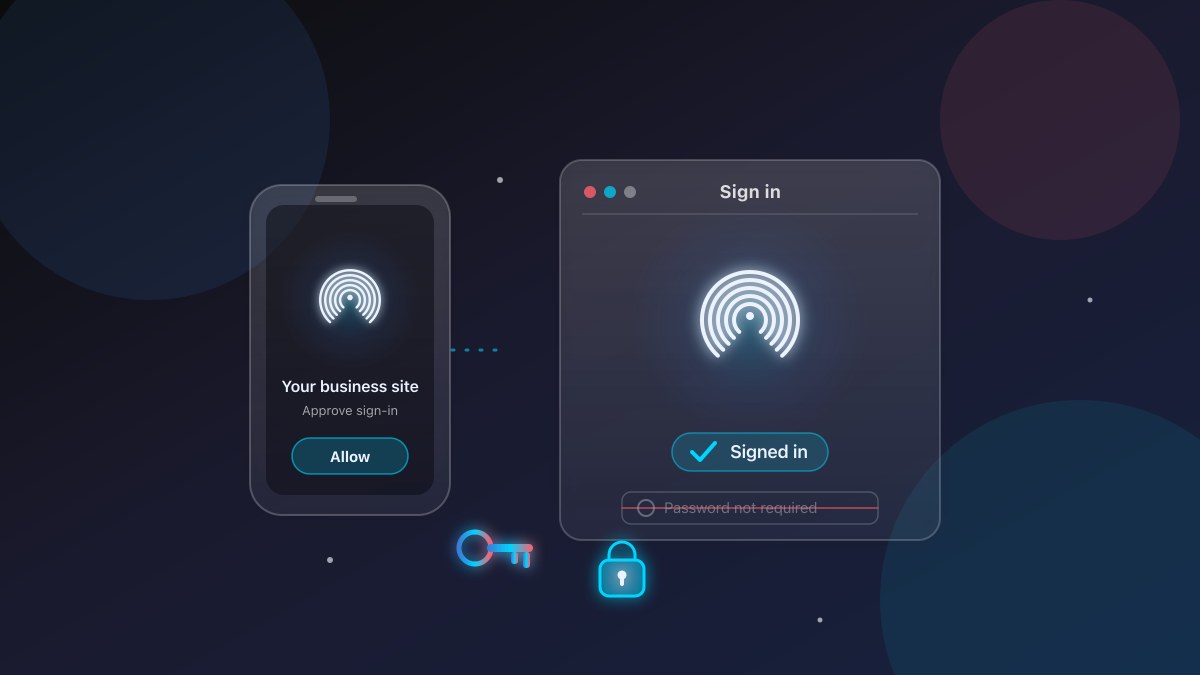
Ask ten customers how they sign into your booking system, client portal, or checkout, and you’ll probably hear the same story: three passwords, one of them reused from an old account, and a reset request a month later.
That story is changing — and it changed before most business websites noticed. On World Passkey Day in May 2026, the FIDO Alliance — the industry body behind the open standard that makes passkeys work — estimated that 5 billion passkeys are now in use worldwide, and that 90% of consumers are aware of them. Their customers are ready. The question is whether your website is.
What a passkey actually is (and isn’t)
A passkey is a way to sign in without a password. Instead of a secret you type, you approve the sign-in with something you already carry: Face ID, a fingerprint, a PIN, or a device unlock.
The name is a little misleading, so it’s worth separating what a passkey is from what it isn’t:
- It is not a password — there is no secret text to type, copy, reuse, or leak.
- It is not an app account — you don’t download “Passkeys Inc.” and sign in there. Passkeys are a web standard called WebAuthn, built into every major browser, phone, and password manager.
- It is not just 2FA — a passkey can replace both the password and the SMS code, because the approval itself is resistant to being phished.
The reason that last point works is worth one sentence of “how it works”: your device creates a pair of keys, and the website only ever holds the half it needs to verify you. The private half never leaves your device, so there is nothing on the company’s servers to steal, and nothing for a fake “login” page to capture. When your customer taps Allow, the device proves it’s the real one — without ever transmitting a secret.
Why 2026 is the moment
For years, the honest answer to “should we add passkeys?” was “customers aren’t ready yet.” The 2026 data quietly kills that excuse.
The FIDO Alliance’s State of Passkeys 2026 report surveyed 11,000 consumers and 1,400 enterprise decision-makers across ten countries — Singapore and China among them — in April 2026:
Notice what the second bar means: three-quarters of your customers have already done the hard part — setting a passkey up somewhere. They don’t need to learn a new habit. Your site offering a passkey is the part they’re waiting for, not the part they’ll resist.
Source: FIDO Alliance, State of Passkeys 2026 (April 2026)
That 47% is the number to sit with. It’s not a security statistic — it’s a revenue one. For a business that takes bookings, orders, or member logins, every forgotten password is a customer who might finish the job at a competitor.
What companies that deployed them report
The enterprise side of the report is less about security theatre and more about operations. Among organizations that have rolled out passkeys, these are the gains they reported:
Two of those rows are pure cost line items for a small business: fewer password-reset tickets, and fewer phishing incidents to clean up. The security industry has measured the same pattern — HID Global’s enterprise survey found 90% of deploying organizations saw a strong or moderate security improvement, with password usage dropping 26% after rollout.
And the platforms your customers already use have all come around:
- Apple — passkeys on iPhone, iPad, Mac, and as a sign-in option across Apple services.
- Google — passkeys in Chrome and across Google accounts (Gmail, Drive, Google One).
- Microsoft — passkeys in Windows Hello and across Microsoft 365 / Entra ID.
- Samsung — passkeys with Samsung accounts and Cross-Device Sign-in.
If your customers are on any of those, they’ve likely already created a passkey. You’re not asking them to adopt new technology — you’re asking them to use technology their phone already has.
What it actually takes to add passkeys
Here’s where we’ll be straight with you, because the blogosphere version is wrong in both directions.
The wrong-optimistic version says “just flip a switch and you’re passwordless.” The wrong-pessimistic version says “you need a total identity re-architecture.” The truth is in between, and it depends on where your customers sign in.
- If you use an off-the-shelf platform — Shopify, Squarespace, Wix, WooCommerce, most SaaS tools — check the settings first. Many now let you offer passkey sign-up and sign-in, or at least passkey-protected 2FA, from an admin screen or with a small plugin. That’s the fastest, cheapest path, and it’s worth doing this week.
- If you have a custom site or app — which is usually where the real friction lives — passkeys are a well-trodden engineering task, not a research project. The browser APIs (WebAuthn) are stable and documented, there are mature libraries for every major backend, and a typical integration is: let customers create a passkey at sign-up, let them approve sign-in instead of typing a password, and keep the password as a fallback. It’s days of work, not months, on a well-structured codebase.
- If you’re on a legacy stack — here passkeys may need a bit more work, but you still don’t have to rip anything out. You can add passkey sign-in alongside the existing password for the customers who need it, and migrate gradually.
The honest trade-offs
We’d be doing you a disservice if we stopped at the good news. Three things to know before you commit:
- You still need fallbacks. A minority of devices or browsers won’t offer a passkey, and customers will lose phones. Keep a password (or at least an alternative method) available so no one is locked out.
- “Passkey” is not a single product. There are synced passkeys (backed up to a customer’s own iCloud/Google account) and device-bound ones. The good news: customers experience these identically — they just tap Allow. The choice is mostly about your setup.
- It doesn’t fix your website, it exposes your process. A passkey only works if the login flow is clean. If your sign-up is a tangle of five screens, passkeys will make the last step fast but won’t save the journey. Fix the flow first.
None of these are reasons to wait. They’re reasons to scope it properly — which is a half-day conversation, not a guess.
What “good” looks like in practice
If you’re not sure where to start, this is the bar we hold custom builds to:
- Passkey at sign-up — offer “sign up with a passkey” alongside email, not hidden in a settings page.
- Passkey at sign-in — the customer taps their phone and is in. No password field required, but still available.
- Recovery path — a clear “lost your device?” flow so a customer is never permanently locked out.
- Consistency — the same sign-in across the web app and any mobile app, so there’s one habit to learn.
That’s it. No new vendor relationship, no monthly “identity” invoice, no forcing your whole business onto someone else’s platform.
Bottom line
Passkeys stopped being a future thing the same way dark mode did — quietly, in the platforms your customers already own. The FIDO numbers for 2026 are unambiguous: awareness is at 90%, three in four customers have already enabled one, and 47% will walk away from a site that makes them remember a password.
The technology is ready. The customers are ready. What’s left is the small, well-understood piece of work that makes your website meet them where they are.
That’s a conversation we’re happy to have.
External references
- FIDO Alliance — World Passkey Day 2026 report (State of Passkeys 2026) — primary source for the awareness, use, compromise, and abandonment figures above.
- Descope — 2026 FIDO Report: Passkeys at Global Scale — independent breakdown of the same dataset, incl. enterprise adoption drivers.
- HID Global — Passkey Adoption in the Workforce — enterprise rollout outcomes and the 26% password-use drop.
- MDN — Web Authentication (WebAuthn) API — the standard that makes passkeys work, in plain terms.
- FIDO Alliance — What is a passkey? — the reference explainer.
Related articles
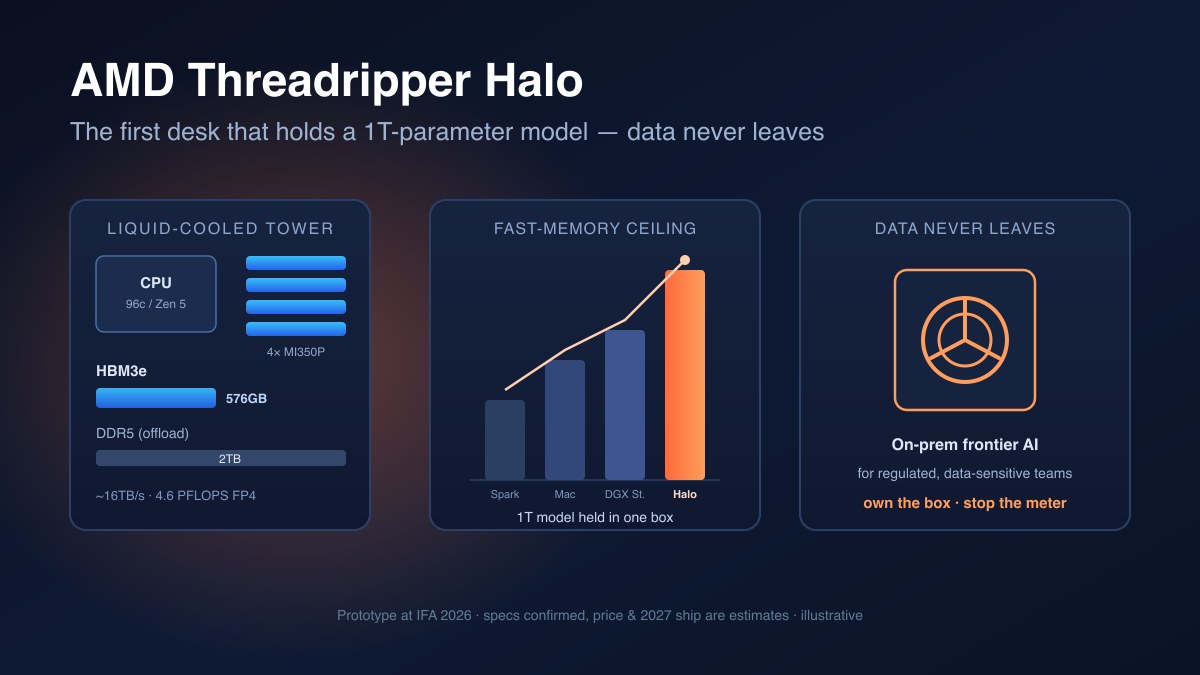
AMD's Threadripper Halo: On-Prem Frontier AI for When Your Data Can't Leave the Building
AMD's Threadripper Halo pairs a 96-core CPU with up to 576GB of HBM3e — the first deskside box that can hold a trillion-parameter model without a datacenter. Here's what that memory actually buys, what it costs, and who should seriously consider it.
Read article →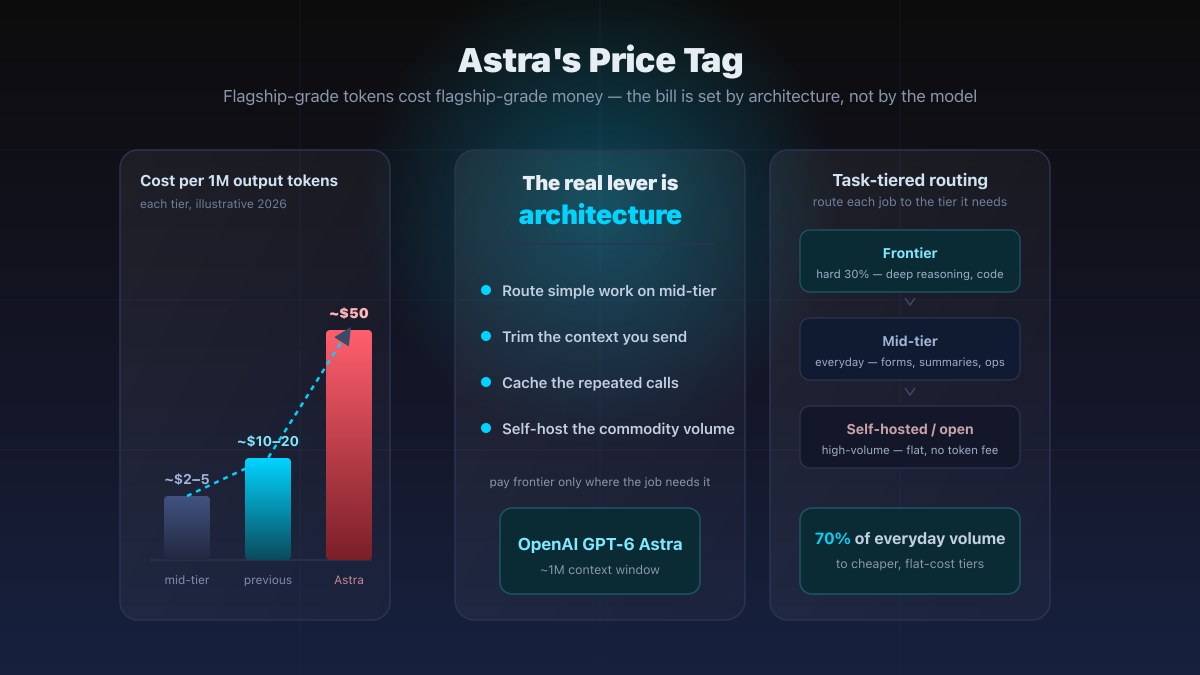
GPT-6 Astra's Price Tag — and How Architecture Keeps It Off Your SME Bill
GPT-6 Astra is being reported at roughly $10 in / $50 out per million tokens with a ~1M-token context window — flagship-grade money. Here is the honest math on why that bill is set by your architecture, not the model, and how to keep it affordable.
Read article →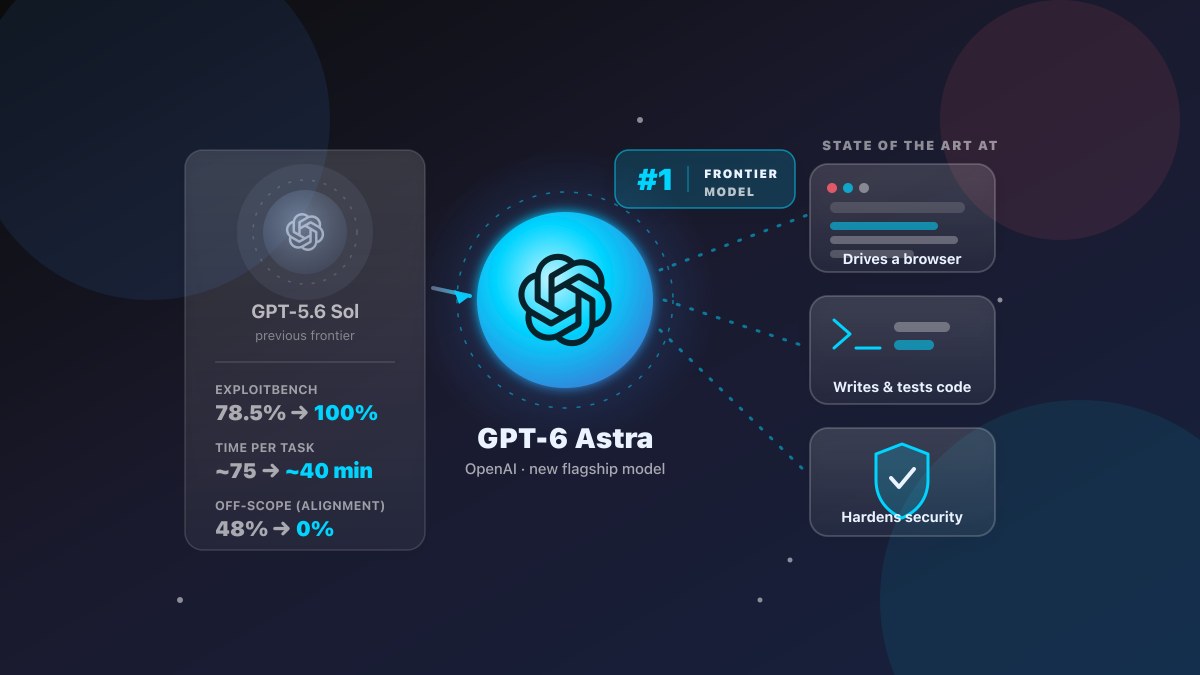
OpenAI's GPT-6 Astra Just Moved the Goalposts — Here's What It Means for Your Business
OpenAI's new flagship GPT-6 Astra claims state-of-the-art computer use, coding, and cybersecurity — 99.9% on ARC-AGI-3, 98% on FrontierMath Tier 4, 100% on ExploitBench, and ~47% faster at driving a computer. What the numbers actually mean for a small business, the honest trade-offs, and when you can use it.
Read article →