
Patch Now: A WordPress Backup Plugin Flaw Exposes Millions of Sites to Takeover
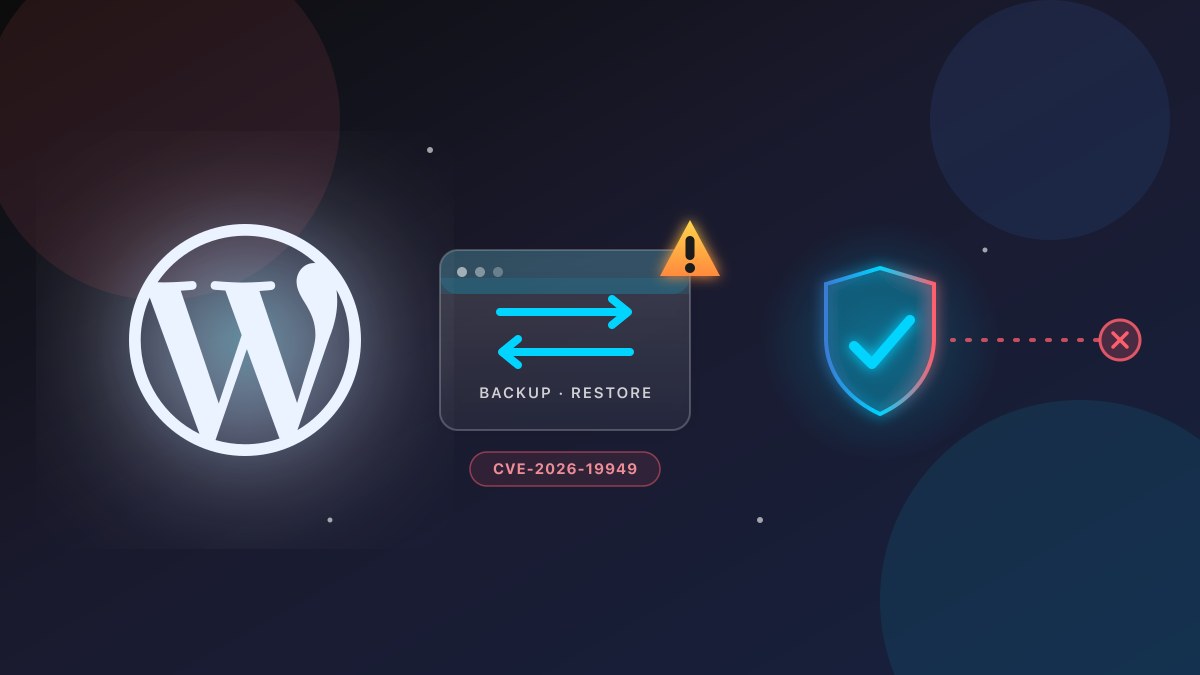
CVE-2026-19949 is an unauthenticated SQL injection in All-in-One WP Migration and Backup that allows remote code execution. 3.25 million sites are still running a vulnerable version. Here's what it means, and the steps to secure your site today.
If you run a WordPress website — a business site, an online store, a blog — there is a security update you should look at today.
A high-severity flaw in one of the most popular WordPress backup plugins, All-in-One WP Migration and Backup, lets an attacker who has never logged in take full control of your site. It’s tracked as CVE-2026-19949, it’s fixed, and the fix has been out for weeks. The problem is that the majority of sites using the plugin have not updated yet.
This is not a hypothetical. It’s an active, well-documented vulnerability with a published patch. If you use this plugin, the next few minutes are worth your time.
What’s affected
- Plugin: All-in-One WP Migration and Backup (made by ServMask)
- What it does: backs up, moves, and restores entire WordPress sites — files, database, media, themes, plugins — between servers or domains. It’s a go-to tool for migrations and backups.
- Vulnerability: CVE-2026-19949 — an unauthenticated SQL injection.
- Severity: CVSS 8.8 (High).
- Affected versions: all versions up to and including 7.109.
- Fixed in: 7.110 (released August 20, 2026).
- Scale: the plugin reports 5 million+ active installs, and Wordfence found that only about 35% of installs had updated to the patched version — meaning roughly 3.25 million sites were still exposed as of the report.
What “unauthenticated SQL injection” actually means
We’ll keep this plain, because the jargon is where the risk hides.
“Unauthenticated” means the attacker does not need a login, an admin password, or any existing access to your site. That’s the part that makes it dangerous — there’s no “they must have stolen your password” safety net.
“SQL injection” is a class of flaw where an attacker tricks a program into running database commands it was never meant to run, by smuggling in carefully crafted data. In this case, the flaw is in how the plugin processes database content during a backup restore (the “second-order” bit means the malicious data is planted first, and it only fires when that restore happens).
“Remote code execution” is the outcome: run a query you didn’t intend, and you can end up executing code on the server. In practice, Wordfence notes that at this privilege level it can mean complete control of the website — including the ability to inject malicious code.
Why the “I’ll update later” plan is the problem
The patch has been available since August 20. Yet the data is the story: only about a third of installs updated, leaving 3.25 million sites sitting on a vulnerable version.
For a small business, this is the classic failure mode: the vulnerability is real and public, the fix is a one-click update, but nothing forces the update to happen — so the window where you’re exposed keeps widening while the patch quietly sits in your dashboard.
Source: Wordfence advisory & NVD (CVE-2026-19949), Sep 2026
What to do right now
If you use All-in-One WP Migration and Backup, this is the order of operations:
- Check your version. In your WordPress admin, go to the plugin’s screen. If it shows 7.109 or lower, you’re affected.
- Update to 7.110 or later. That’s the core fix. In most setups this is a one-click update.
- Confirm it actually updated. Don’t just click and hope — reload the plugin page and verify the version number changed. A failed or partial update leaves you exposed.
- If you can’t update immediately, reduce your exposure. Temporarily deactivate the plugin. Wordfence notes a deactivated vulnerable version is lower-risk (though it can still be exploited if re-enabled), so this buys you time while you arrange the update.
- Check for signs you were already hit. Because the exploit is dormant until a restore runs, look back: any unexpected admin accounts, unfamiliar plugins, odd changes to your site or its files, or unexplained redirects? If you see anything, treat it as compromised, not just vulnerable.
- Restore from a known-clean backup if you suspect compromise — but do it after the plugin is patched, so you’re not restoring into a still-open door.
The bigger lesson: plugins are your attack surface
A site can have a strong hosting setup, a good firewall, and solid credentials, and still be taken over through a single outdated plugin. WordPress powers a huge share of the web, and its ecosystem is only as secure as its least-updated part. The plugin you installed to make life easier — migrations, backups, forms, SEO — is often the first place a breach starts.
The fix for most of this isn’t fancier security. It’s discipline: knowing which plugins you run, updating them promptly (or having someone who does), and removing any you no longer use. That’s a small, repeatable habit that closes the vast majority of this class of risk.
Bottom line
This is a clean, well-documented case: a real flaw, a published CVSS score, a named fixed version, and a clear way to confirm you’re safe. The vulnerability is already patched. The only reason a site is still at risk is that the update hasn’t been applied.
If you run this plugin, spend the five minutes to check your version and confirm the patch. If you’d rather not be the one on call when the next CVE drops, that’s a conversation we’re happy to have.
External references
- Wordfence — 5 Million WordPress Sites Affected by SQL Injection in All-in-One WP Migration and Backup — the primary technical report (Sep 1, 2026).
- BleepingComputer — WordPress backup plugin flaw exposes millions of sites to takeover attacks — coverage with the update-adoption figures (Sep 2, 2026).
- NVD — CVE-2026-19949 — the canonical CVE record and CVSS 8.8 (High) rating.
- WordPress.org — All-in-One WP Migration and Backup — the plugin’s page, including its version and changelog.
Related articles
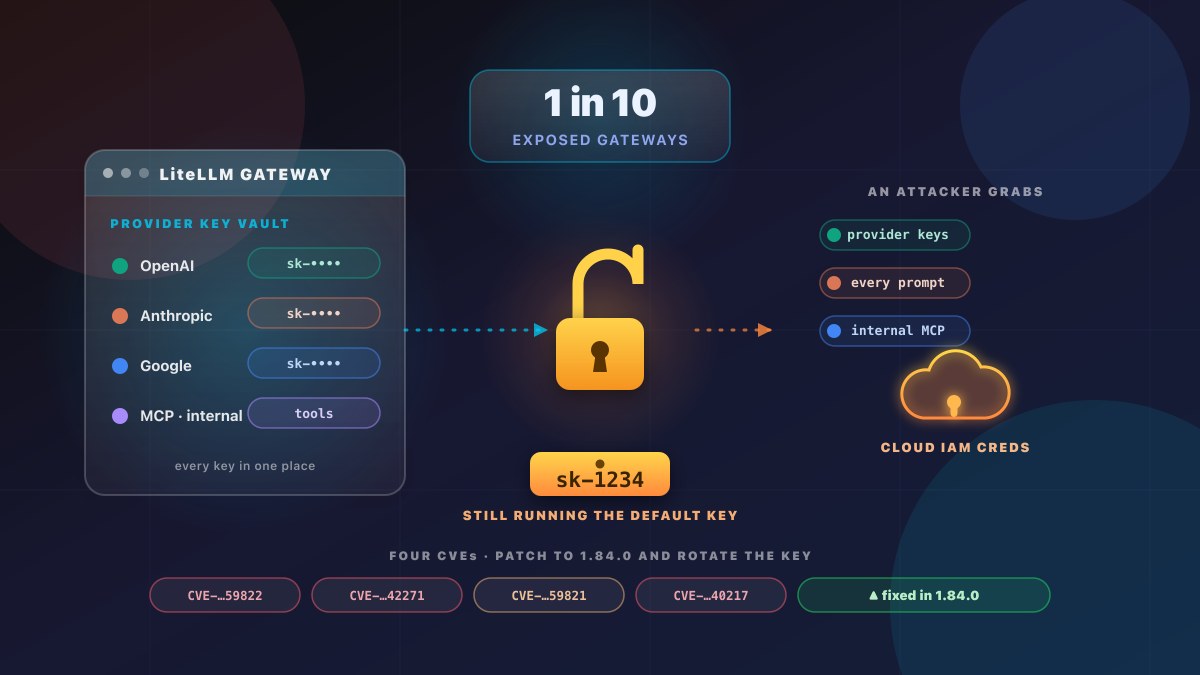
Nearly 1 in 10 Exposed LiteLLM Gateways Accepted the Example "sk-1234" Admin Key
Nearly 1 in 10 internet-facing LiteLLM gateways accepted the example "sk-1234" admin key straight from the setup guide. That one key can expose every stored model-provider API key and the cloud credentials behind the gateway. Here's what Wiz found, the four CVEs, and what to check on your own gateway today.
Read article →
Passkeys in 2026: Your Customers Already Use Them — Does Your Website Let Them In?
FIDO's 2026 report: 5 billion passkeys in use, 90% consumer awareness, and 47% of people more likely to abandon a purchase over a forgotten password. What a passkey actually is, what it costs to add, and when it's worth it for your business.
Read article →